Fan Not Working or Making Noise? Common Causes and Easy Fixes for Every Home
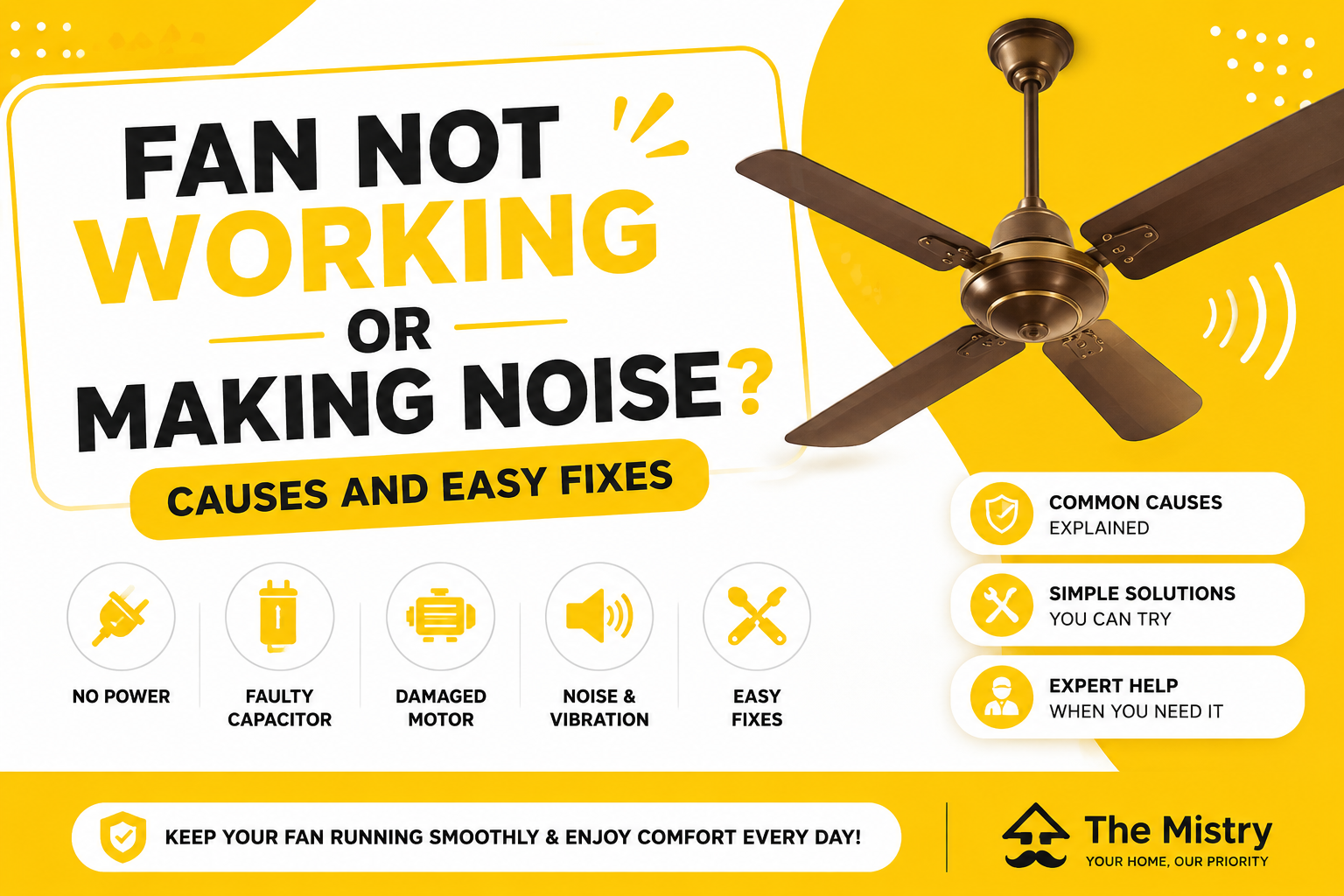
Is your ceiling fan not working or making unusual noise? Learn common causes like faulty capacitors, loose wiring, dust buildup, and easy fixes to keep your fan running smoothly.
Fan Not Working or Making Noise? Causes and Easy Fixes
A ceiling fan is one of the most essential appliances in Indian homes. It provides comfort during hot weather, improves air circulation, and helps reduce electricity costs compared to air conditioners. But when your fan stops working or starts making unusual noise, it can quickly become frustrating.
Many homeowners ignore small fan issues like slow speed or slight noise, thinking they are not serious. However, these problems can get worse over time and may lead to complete fan failure or even electrical risks. Understanding the causes behind fan problems and knowing simple fixes can help you take quick action.
In this blog, we’ll explain common reasons why your fan is not working or making noise, easy solutions you can try, and when to call professionals like The Mistry for expert help.
Why You Should Not Ignore Fan Problems
A fan may seem like a simple appliance, but it has electrical and mechanical components that need proper functioning.
Problems caused by ignoring fan issues:
Reduced cooling and comfort
Increased electricity consumption
Risk of electrical faults
Sudden breakdown of the fan
Fixing small issues early helps maintain efficiency and safety.
Common Reasons Why Your Fan Is Not Working
If your fan is not turning on or running properly, there could be several reasons.
1. Power Supply Issue
Sometimes the problem is not with the fan but with the power supply.
Signs:
Fan not turning on at all
Other appliances also not working
Switch not responding
Solution:
Check the power supply, switch, and circuit breaker. If everything looks fine, professional inspection may be required.
2. Faulty Capacitor
The capacitor helps the fan start and maintain speed. It is one of the most common parts to fail.
Signs:
Fan not starting
Fan running very slowly
Fan needs a push to start
Solution:
Replacing the capacitor usually solves the problem. This should be done by a technician.
3. Damaged Motor
The motor is the main component that drives the fan. Over time, it can wear out or get damaged.
Signs:
Fan not rotating
Burning smell
Unusual noise
Solution:
Motor repair or replacement is required, which should be handled by professionals.
4. Loose Wiring
Loose or damaged wiring can interrupt power flow to the fan.
Signs:
Fan working intermittently
Flickering or stopping suddenly
Sparks or buzzing sound
Solution:
An electrician can fix wiring issues safely.
Common Reasons Why Your Fan Is Making Noise
Noise is another common problem that many homeowners face.
1. Dust and Dirt Buildup
Dust accumulation on fan blades can create imbalance and noise.
Signs:
Fan making noise while running
Reduced airflow
Visible dust on blades
Solution:
Clean the fan regularly to maintain balance and performance.
2. Loose Screws or Parts
Over time, screws holding the fan may become loose.
Signs:
Rattling or vibrating sound
Fan shaking while running
Solution:
Tightening screws can fix the issue.
3. Worn-Out Bearings
Bearings help the fan rotate smoothly. When they wear out, noise increases.
Signs:
Grinding or squeaking sound
Fan running unevenly
Solution:
Bearings need lubrication or replacement by a technician.
4. Bent or Misaligned Blades
Fan blades can get bent due to accidental impact or improper cleaning.
Signs:
Wobbling fan
Uneven rotation
Noise during operation
Solution:
Adjust or replace damaged blades.
5. Poor Installation
Improper installation can cause vibration and noise.
Signs:
Fan shaking from the ceiling
Continuous noise
Solution:
A professional can reinstall the fan properly.
Easy Fixes You Can Try at Home
Before calling a technician, you can try some basic checks:
Ensure the power supply is working
Clean the fan blades
Tighten visible screws
Check the switch and regulator
Avoid overloading electrical circuits
If the problem persists, it’s better to seek professional help.
Why You Should Avoid DIY Repairs for Complex Issues
While basic maintenance is safe, handling electrical components without proper knowledge can be risky.
Risks of DIY repairs:
Electric shocks
Damage to fan components
Fire hazards
Improper installation
Professional technicians have the right tools and expertise to handle repairs safely.
When to Call a Professional
You should contact a professional if:
The fan does not start at all
There is a burning smell
Noise continues even after cleaning
Fan speed is very low
Wiring issues are suspected
These problems require expert attention to ensure safety and proper repair.
How The Mistry Helps with Fan Repairs
Finding a reliable electrician or technician can sometimes be difficult. The Mistry simplifies this by connecting homeowners with skilled professionals.
Benefits of using The Mistry:
Experienced and verified technicians
Quick and easy service booking
Safe and reliable repairs
Transparent pricing with no hidden charges
Whether it’s a small repair or a major issue, professional technicians ensure your fan works smoothly again.
Tips to Maintain Your Fan
Regular maintenance can prevent most fan problems.
Clean blades regularly
Avoid overuse at high speed
Check screws and fittings periodically
Schedule professional servicing when needed
These simple habits improve performance and extend the life of your fan.
Conclusion
A fan not working or making noise is a common problem in many homes, but it should not be ignored. Issues like faulty capacitors, loose wiring, dust buildup, or worn-out parts can affect performance and safety.
Understanding the causes and applying simple fixes can help solve minor problems. However, for complex issues, professional repair is the safest and most effective solution.
With trusted services like The Mistry, homeowners can easily connect with skilled technicians who provide reliable and long-lasting repairs. Taking care of your fan ensures better comfort, improved efficiency, and a stress-free living environment.